For Timetable in-charge, vice principal · 5 min
Timetable and substitutions
Each class gets a weekly grid of subjects and teachers. SchoolOS stops a teacher being booked twice in one period.
adimata.com/schoolos/app/timetable
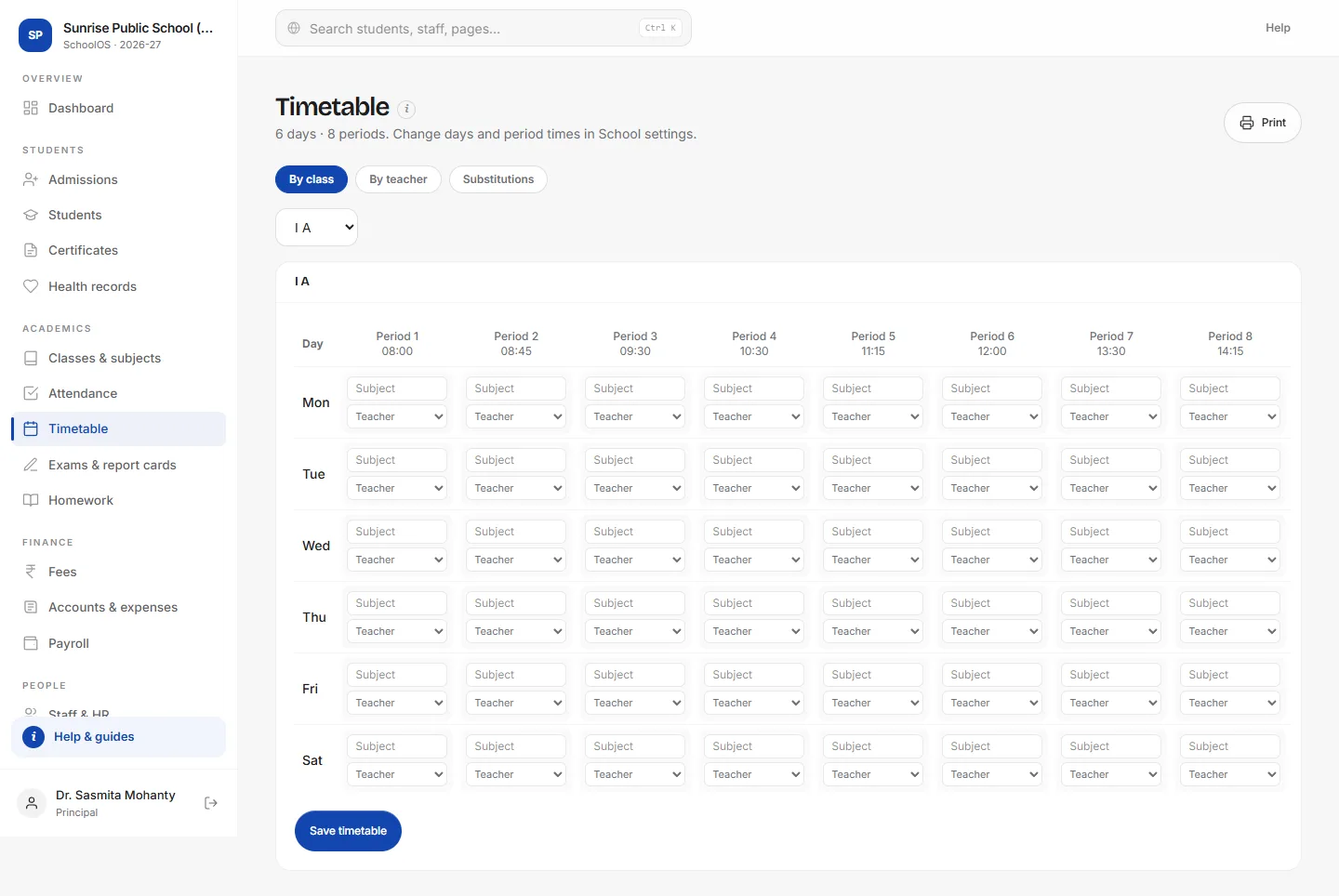
- 1Fill the gridPick a subject and a teacher for each period. Days and period times come from School settings.
- 2SaveClashes are caught when you save.
- 3See a teacher's weekBy teacher shows every period a teacher has.
- 4Cover absent teachersSubstitutions lists today's uncovered periods with the free teachers for each.
Tips
- Teachers see today's periods on their dashboard when their login is linked to their staff record.