1 min read
Hostel rooms and allocations
Hostel has two registers: Rooms and Allocations. A boarder's room shows on their record.
- Who can do this
- Hostel warden, office
- You need
- Hostel module (ask adimata to switch it on). Needs Edit on Hostel.
- Not your job? Pick your role →
Allocations
adimata.com/schoolos/app/r/boarders
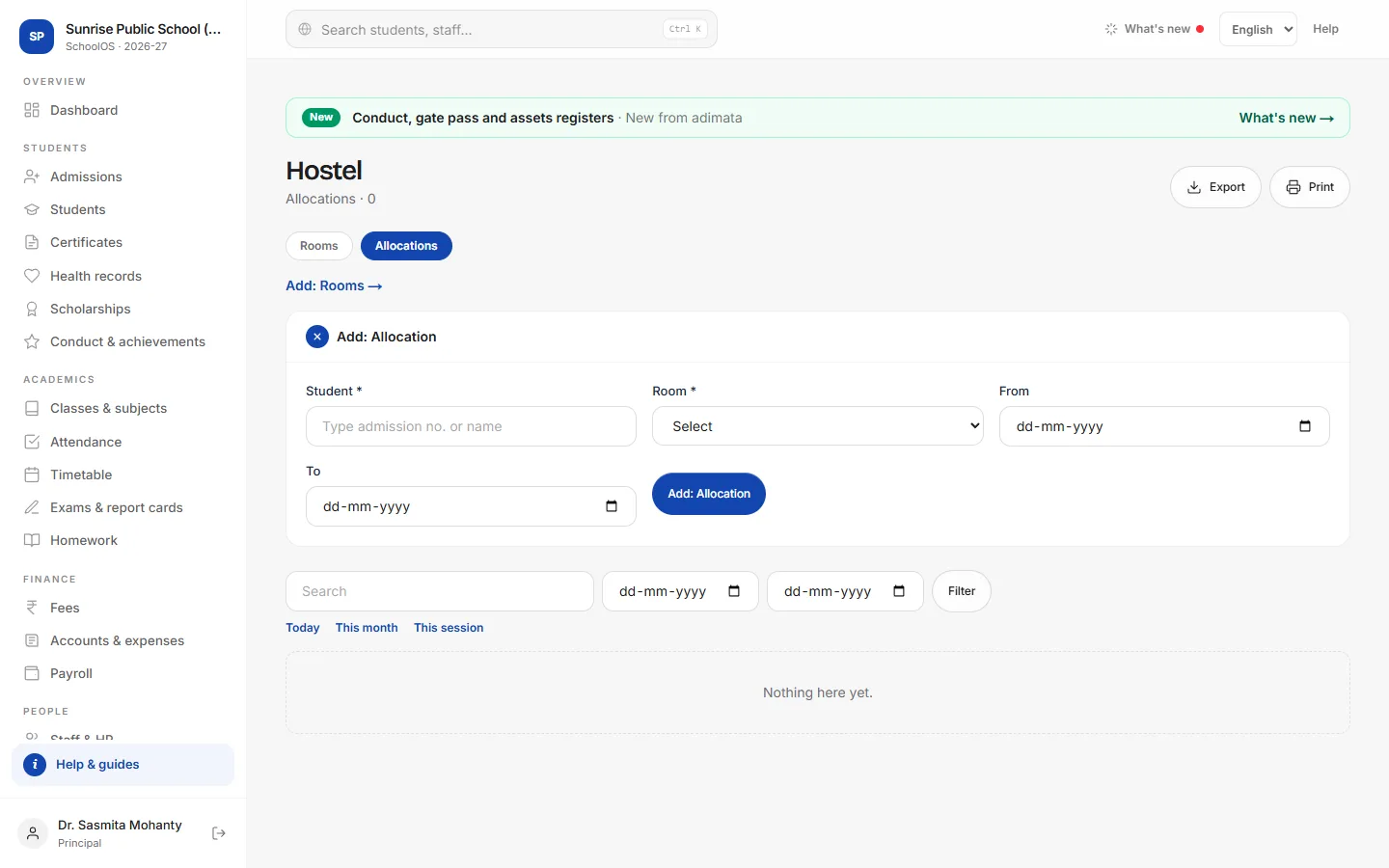
- 1Add rooms firstRooms tab → Add: Room: Block, Room no., Beds, Warden and Fee per term. Until a room exists, Allocations shows a link to add one.
- 2Allocate a boarderAllocations → Add: Allocation: Student, Room, From and To.
- 3Moving or leavingOpen the allocation and fill To; add a new allocation for a new room.
Tips
- Bill the hostel fee with a fee plan or one-off charges; Fee per term here is for your record.
Problems and questions
Does SchoolOS stop over-filling a room?
No. Compare beds with the allocations list.