1 min read
Transport: routes, vehicles and student stops
Transport has two registers: Routes & vehicles and Student transport. A student's route also shows on their record.
- Who can do this
- Transport manager, office
- You need
- Transport module. The Transport manager edits it; the Receptionist can view.
- Not your job? Pick your role →
Routes & vehicles
adimata.com/schoolos/app/r/routes
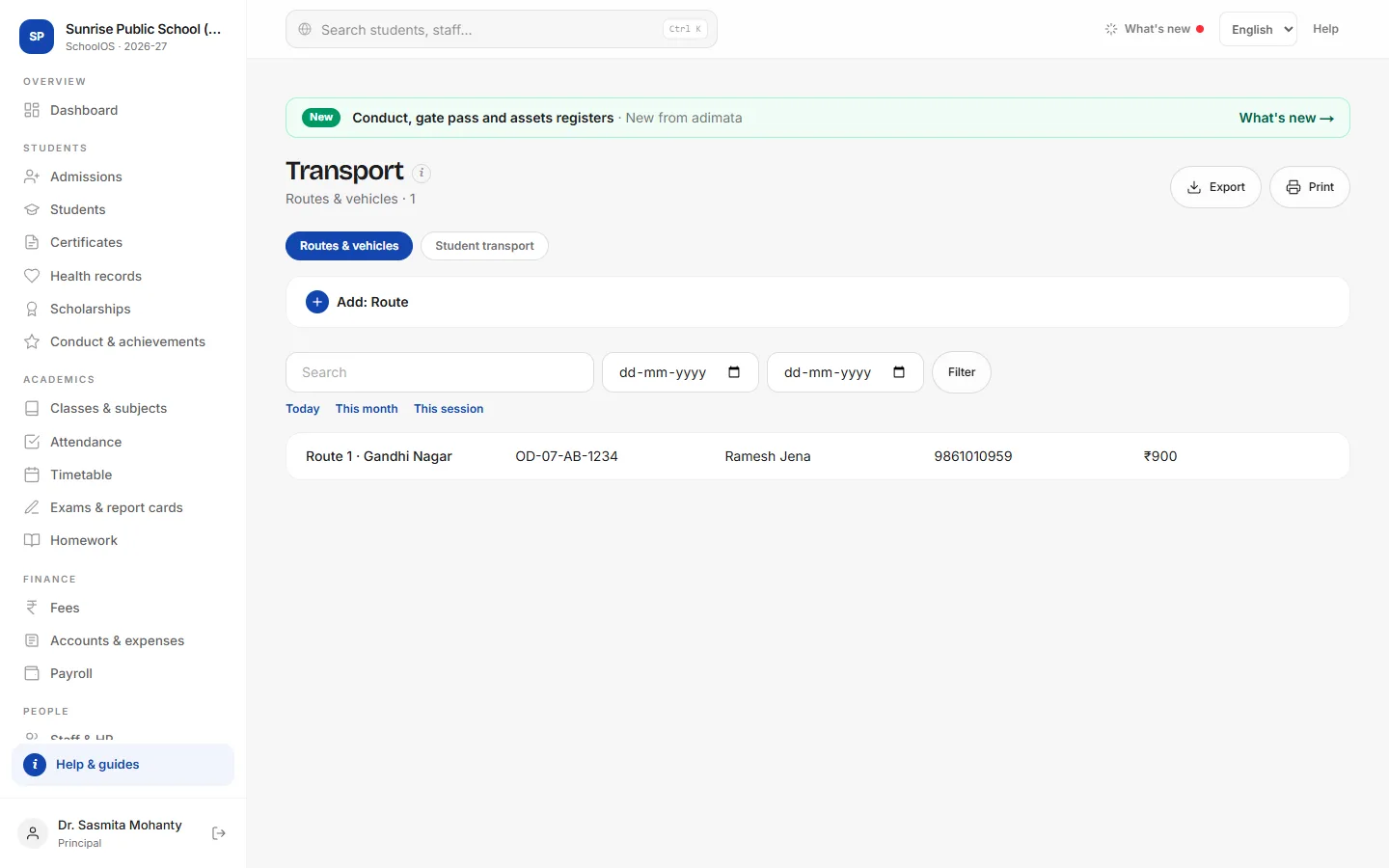
- 1Add a routeAdd: Route: Route name, Vehicle no., Seats, Driver, Driver mobile, Attendant, Stops (one per line with the pickup time) and Monthly fee.
- 2Assign studentsStudent transport tab → Add: Assignment: Student, Route, Stop and Pickup time.
- 3Lists for the busExport the Student transport list and sort it by route in Excel, or Print it.
Common mistakes
- Expecting the Monthly fee to be billed by itself: bill transport with a fee plan or a one-off charge on Fees.
Tips
- Keep the driver's mobile current: the office calls it when a bus is late.
Problems and questions
Does SchoolOS track the bus live?
No. It keeps routes, stops and riders.