1 min read
Use SchoolOS in Hindi or Odia
Menus, buttons, forms and the parent portal work in English, Hindi and Odia. Each person picks their own language; the school sets the default.
- Who can do this
- Everyone
- You need
- Anyone can switch their own language. Setting the school's default language needs Edit on School settings.
- Not your job? Pick your role →
The language picker
adimata.com/schoolos/app
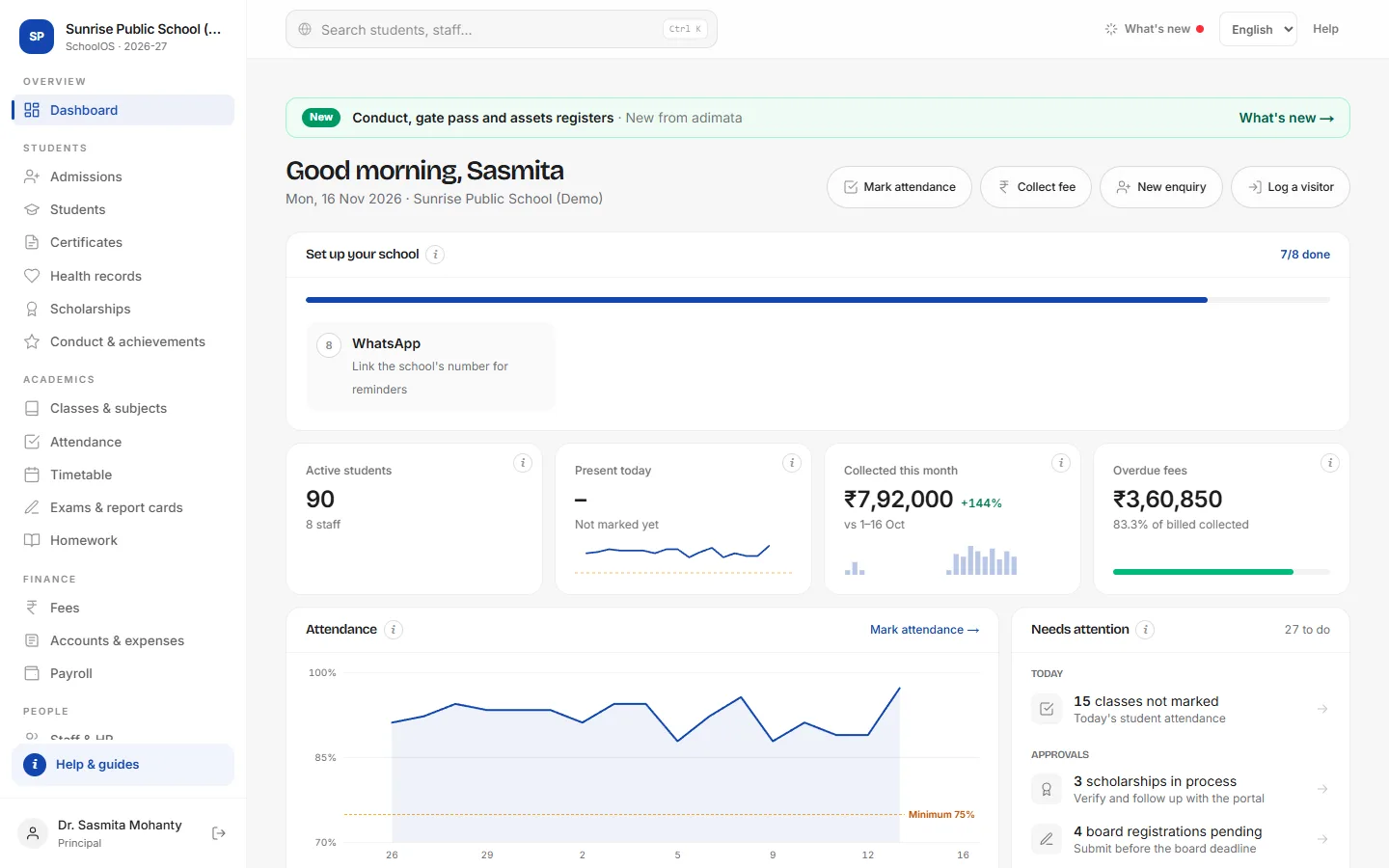
- 1Pick your languageThe picker is at the top of every screen, and on the sign-in page. Your choice is remembered on this phone or computer.You should see: Menus and buttons change at once.
- 2What changes, and what doesn'tMenus, buttons, form labels and the parent portal are translated. Names, notices, homework and anything your school types stay exactly as written.
The school's default language
adimata.com/schoolos/app/settings
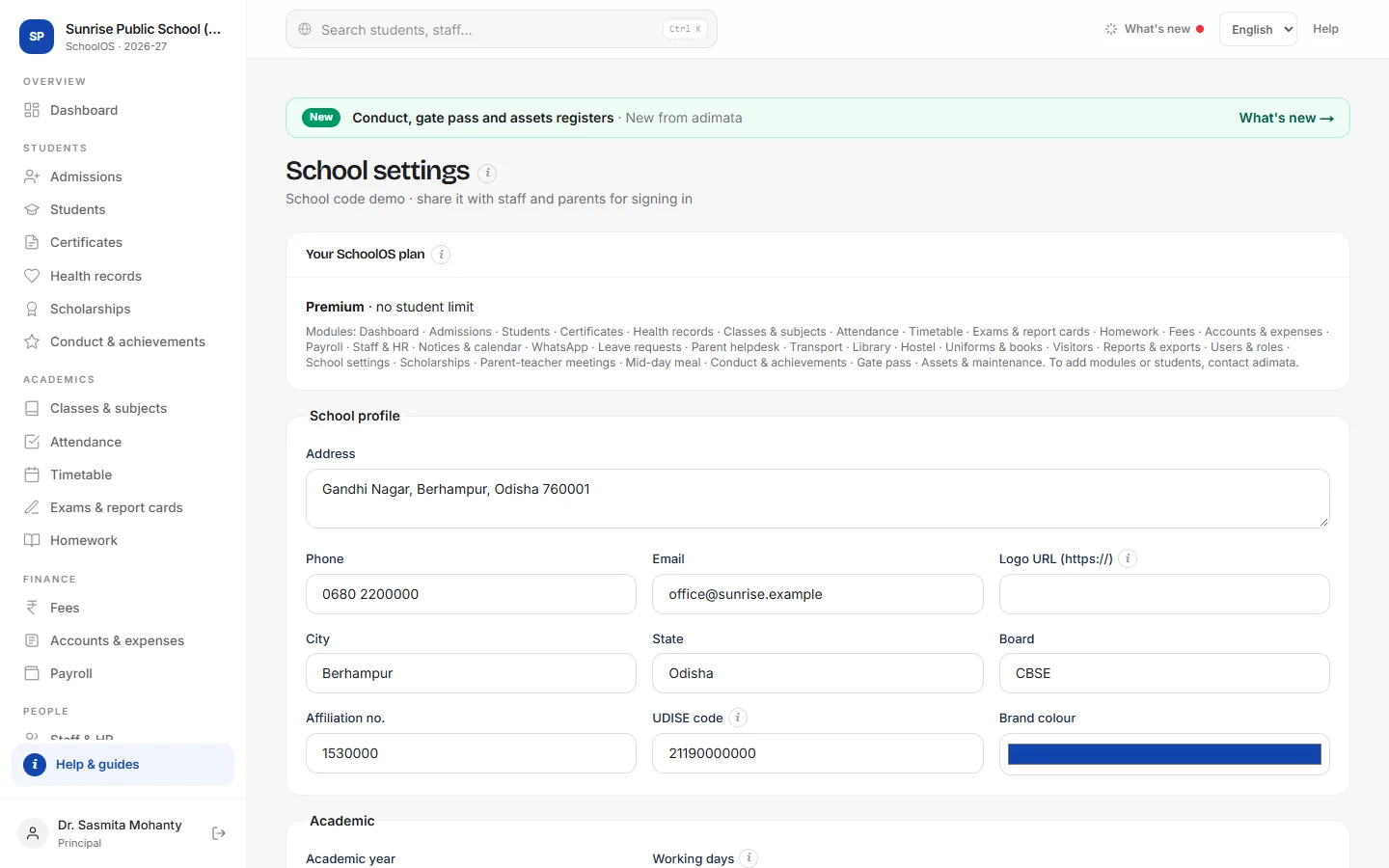
- 3Set the school's languageSchool settings → Academic → Default language, then Save settings. Everyone who has not picked a language sees this one, including parents.
Tips
- Names, notices and anything your school types stay exactly as written.
- Parents can switch on the sign-in page before they log in.
- Write WhatsApp templates in the language your parents read.
Problems and questions
Some words are still in English.
A few screens and the i help cards fall back to English where a translation is not ready yet. The buttons work the same.
I changed the language but my colleague still sees English.
Each phone or computer remembers its own choice. Your colleague picks the language on their device, or the principal sets the school's default language.
Will WhatsApp messages go in Hindi or Odia?
Messages use the wording saved in WhatsApp → Templates & limits. Write the templates in the language your parents read.